Bilingual YouTube subtitles
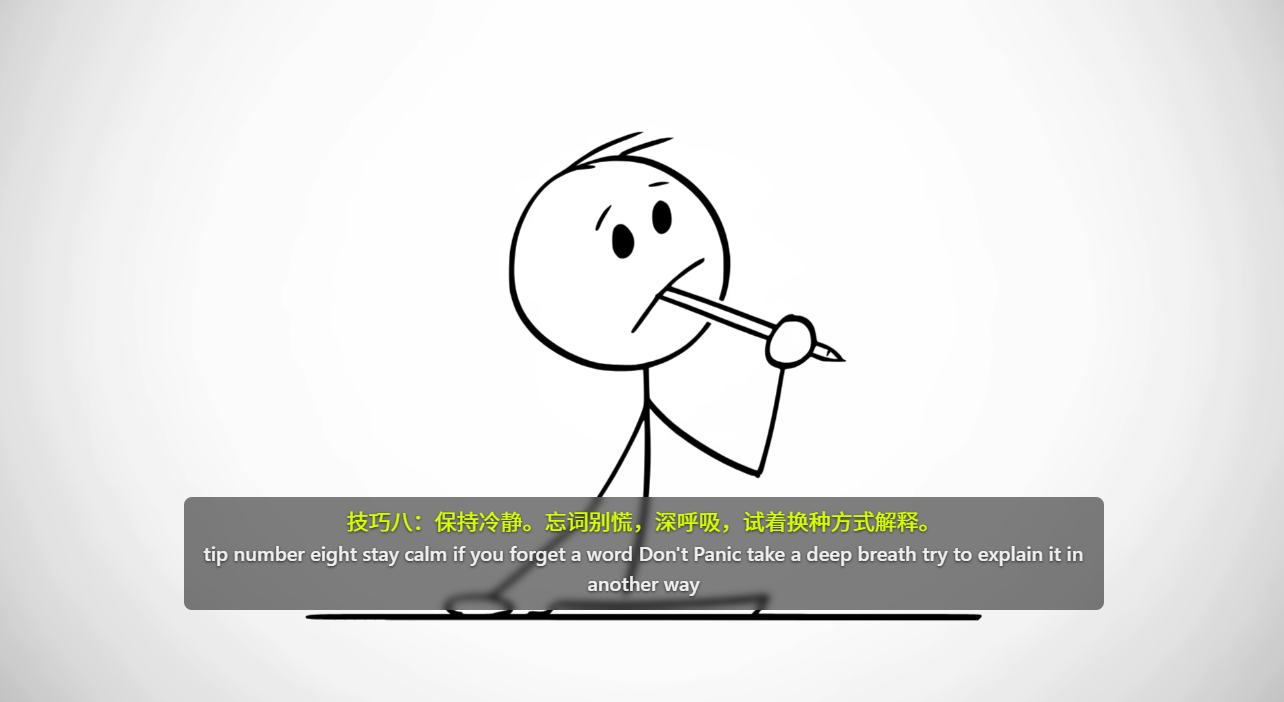
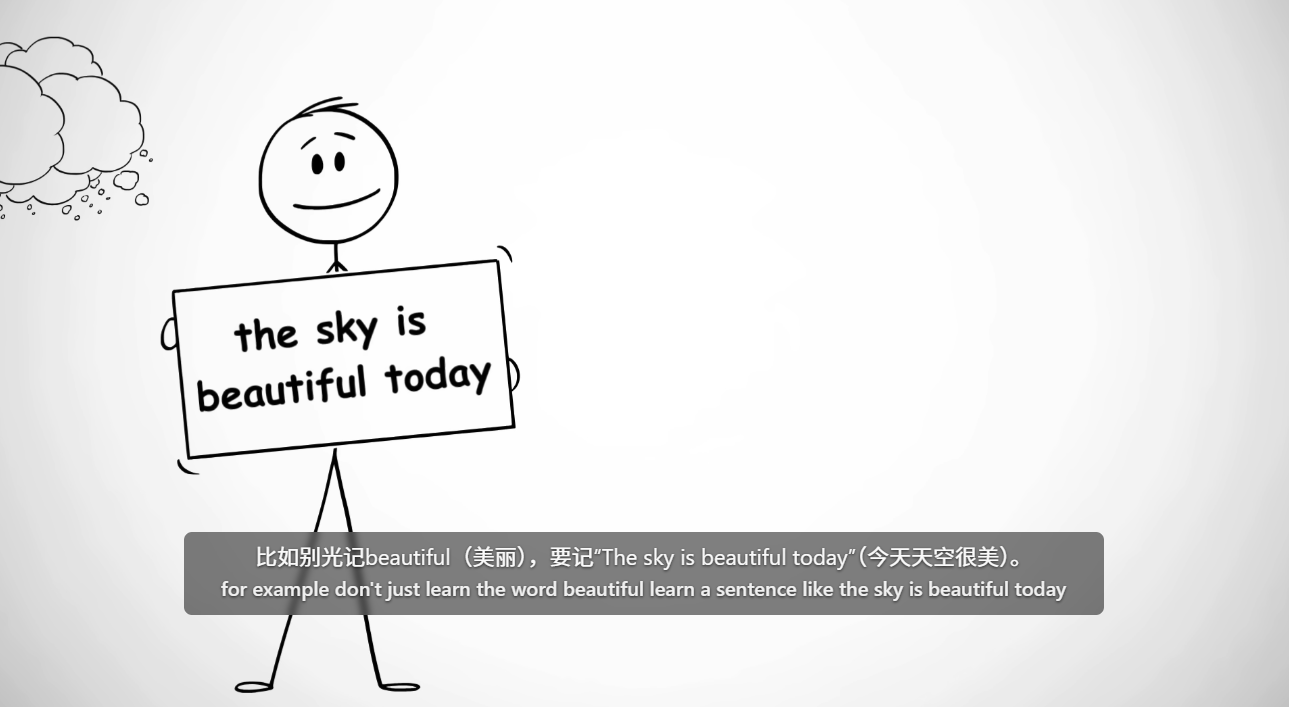
Source and translated subtitles overlaid on the player, synced to playback position.
 Mino Translator
Bilingual subtitles for videos, instant translation for any text you select, with a clear ZIP install guide.
Four core features — subtitles, voice transcription, selection translation, and model setup — each doing its job without getting in your way.
Source and translated subtitles overlaid on the player, synced to playback position.
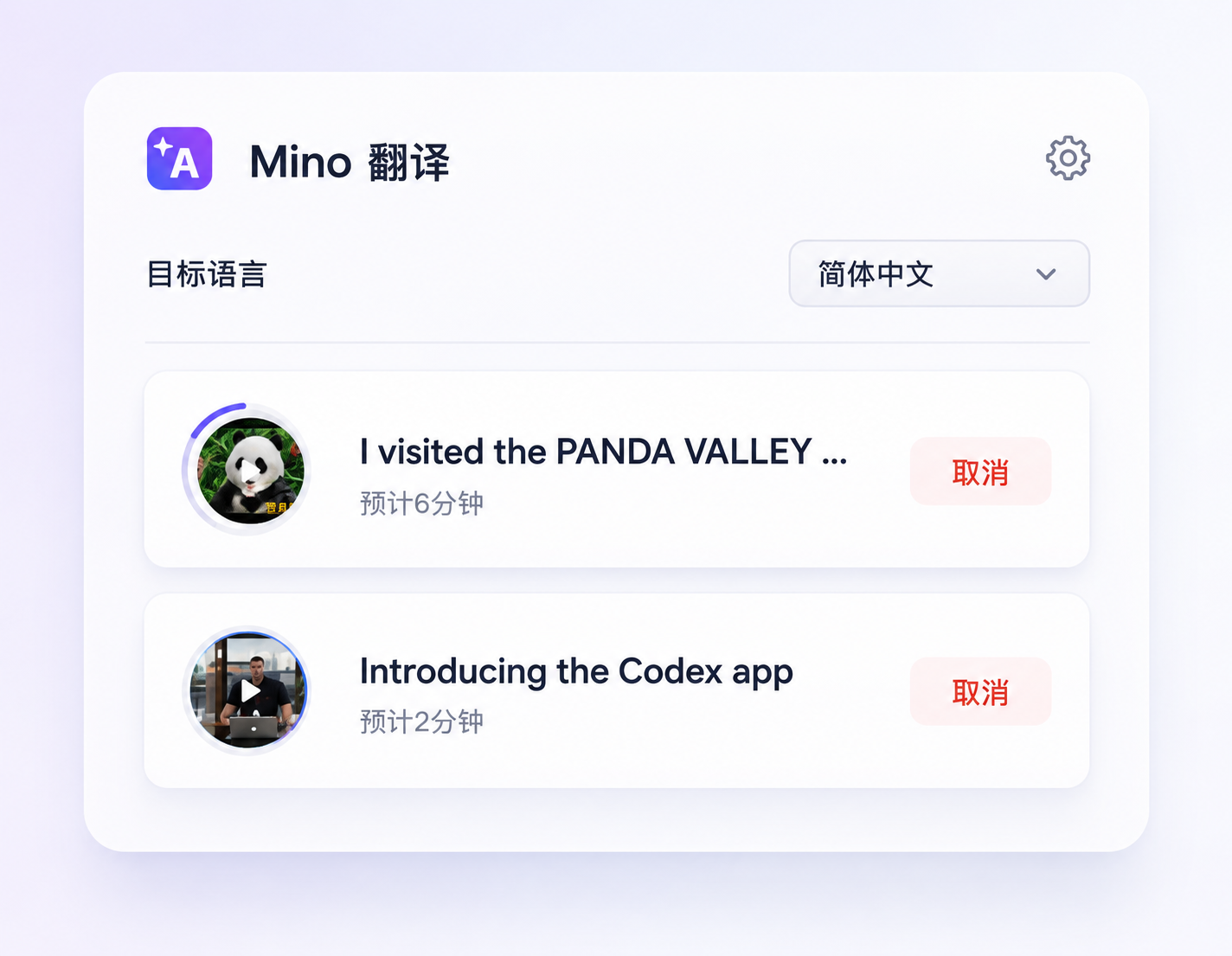
Download a desktop app, double-click to run. No captions? Mino listens to the video and translates anyway. GPU speeds it up.
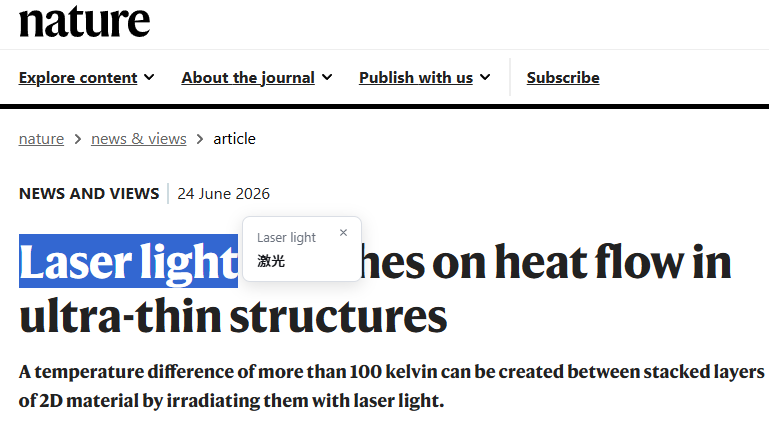
Select any text and a lightweight translation bubble appears. Read and move on.
Agnes AI ↗ is free — sign up and grab your API key to get started. Also supports DeepSeek ↗, OpenAI ↗, Gemini ↗, and any OpenAI-compatible model of your choice.
Download ZIP, load into Chrome, and start using it immediately.
Font size, color, opacity, position — adjust the subtitles to your liking.
Bilingual subtitles overlay the video with adjustable opacity and font size. You focus on the content — Mino handles the translation.
Open a captioned YouTube video and Mino detects available tracks automatically. Click the icon to open the panel, choose your target language, and start translating. A lightweight notification appears in the corner when done — no tab switching needed.
Download the desktop app, double-click to open, and leave it running. Go to your video and click Translate — Mino handles everything else automatically.
ZIP package
Download the ZIP, unzip it, and load the unpacked extension in developer mode.
Desktop app
Download both. Double-click the desktop app to run it — that's it. Then use the extension to start translating.
Download two things: a desktop app and a browser extension. Double-click the app, load the extension into Chrome.
Download MinoTranslatorServer.exe and double-click to run.
A green dot means ready. The window just stays open — nothing else to do.
Get the latest extension package from the website.
Extract it somewhere easy to find.
Open chrome://extensions and enable developer mode.
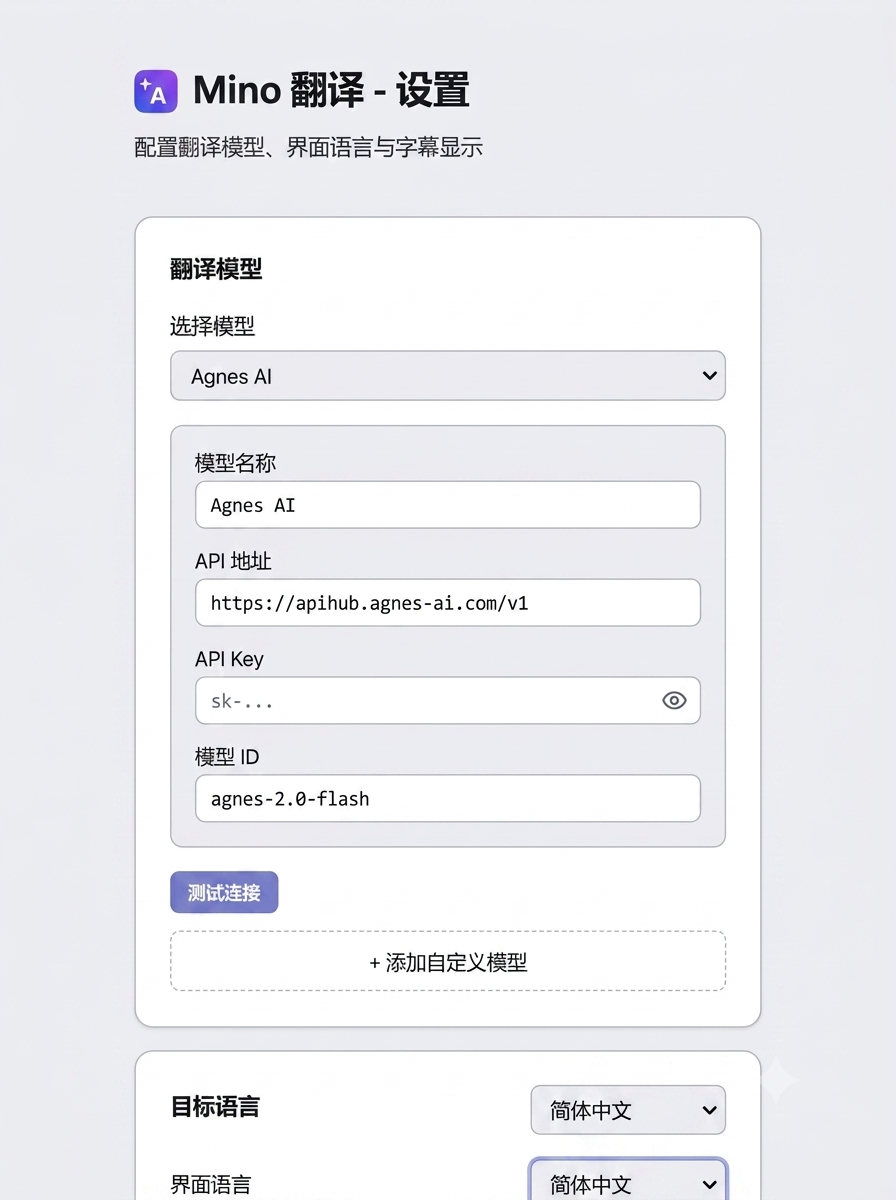
Enter API URL, API key, and model ID in settings.
Agnes AI ↗ offers free credits — sign up, get your API key, and start using it. Also compatible with DeepSeek ↗, OpenAI ↗, Gemini ↗, and any OpenAI-compatible API.
The website provides a ZIP package with a detailed manual install guide.
ZIP installation requires enabling developer mode and loading the unpacked folder.
Yes — you need an API key. Mino recommends Agnes AI which is free. Sign up, grab your key, and start translating. You can also bring your own OpenAI-compatible API provider.
Mino supports Japanese, Korean, English, French, Spanish, and more. The website UI supports Simplified Chinese and English.
YouTube is the core scenario for subtitles. Selection translation works on most common webpages.
Yes. Download the desktop app, double-click to run it, and Mino turns the video's audio into text, then translates it. Without the desktop app, videos still need captions to work.
No. All requests go directly to your configured API provider.
Download the new ZIP, unzip it, and reload the unpacked extension folder in Chrome.
The website does not offer sign-up or login.
Translation text is never sent to the website.
Requests go directly to your configured API provider.
API keys are stored locally by the browser extension.